White label SEO report template
Most "SEO report templates" are a cover page and twelve empty chart placeholders. That's not a template, that's homework. What you actually need is a worked example: a real report, with real (if illustrative) numbers, where every section shows you what good looks like — so you can copy the structure and the tone, not just the layout.
Download the template as a PDF →
No email gate. It's the same PDF our software produces, filled with a sample month for a fictional heating company.
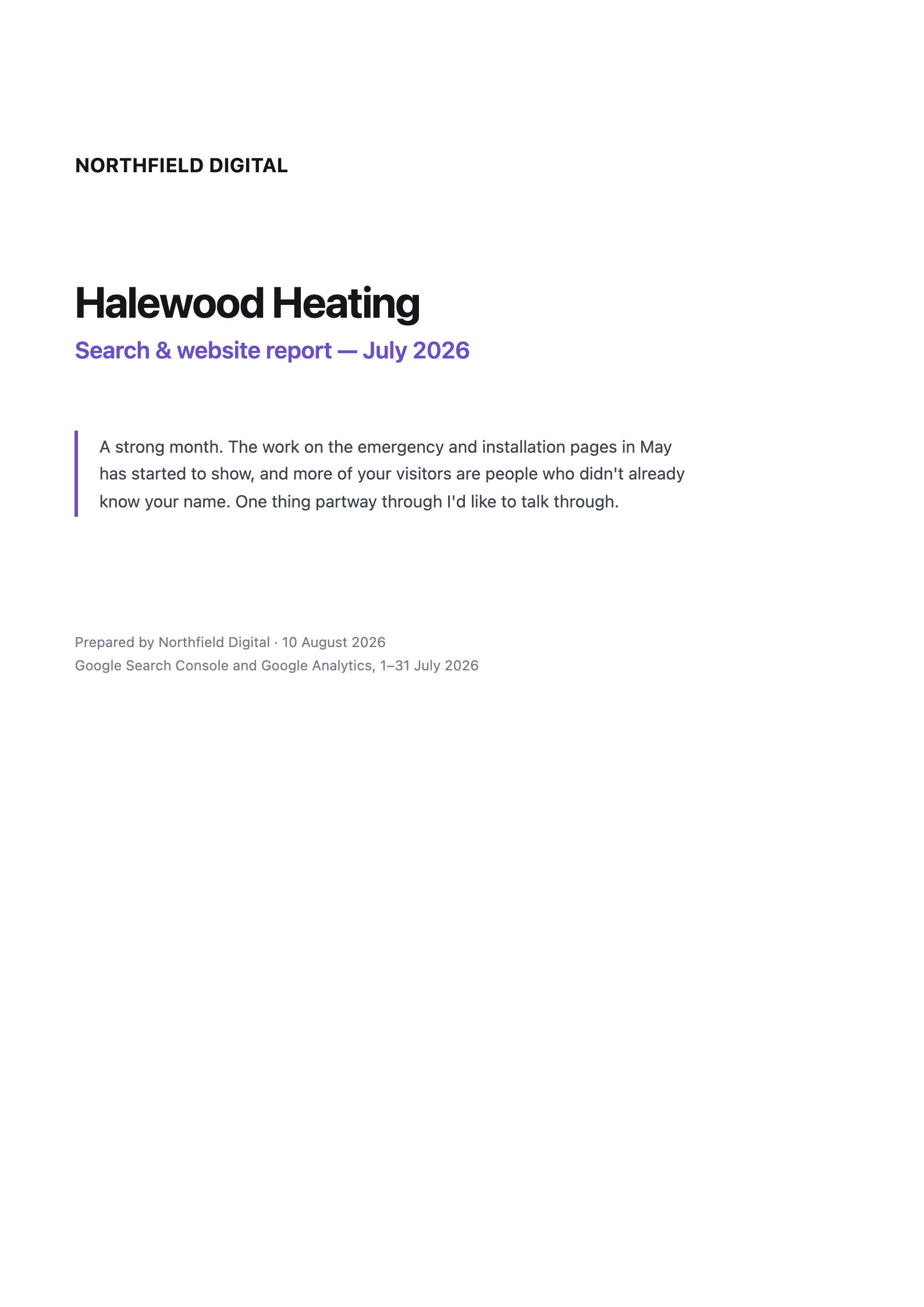
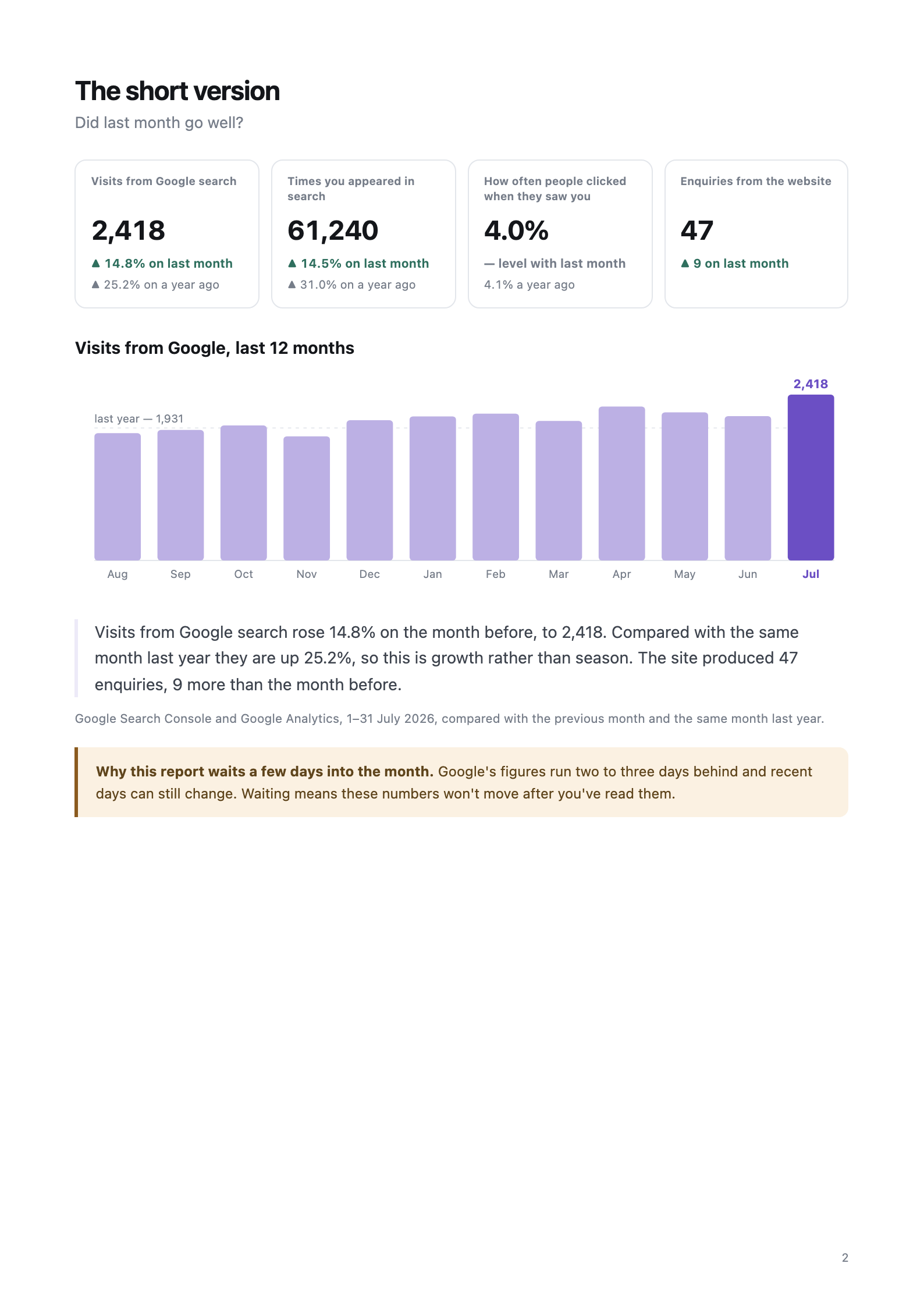
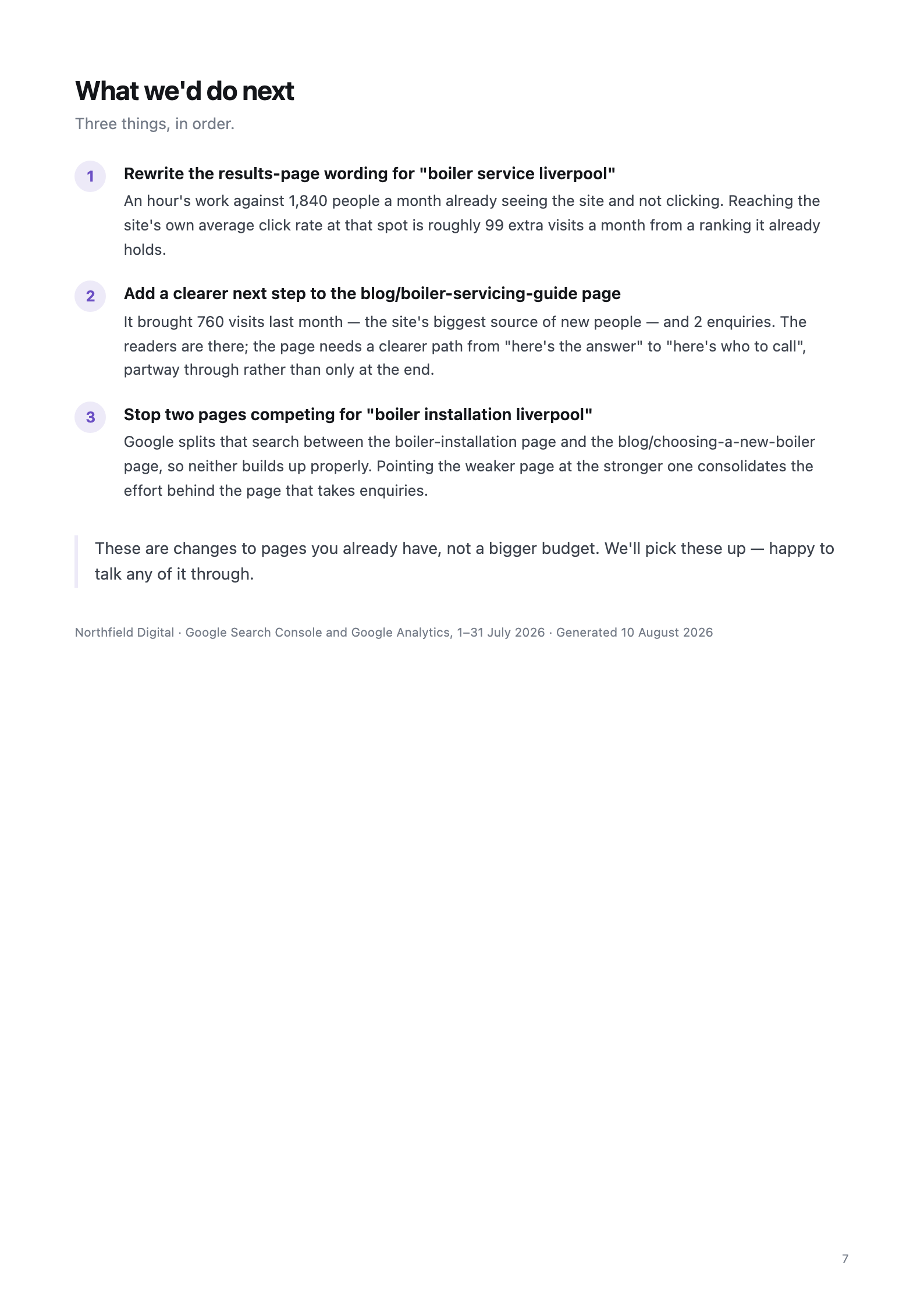
Three of the seven pages — read the whole template on one page.
The seven-page structure
Use these pages in this order. Each answers one question a business owner actually asks — that's the whole trick.
Page 1 — Cover
Your logo, the client's name, the month, and optionally one line from you. Nothing else. The cover's job is to say "this was prepared for you, by us".
Page 2 — The short version
Four headline numbers: visits from Google, times shown in search, how often people clicked, and enquiries. Each with two comparisons: against last month and against the same month last year. Then three to five sentences, plain English. If your client reads only this page, they should still know whether the month went well.
Page 3 — Who found you
Split search visits into people who searched the business's name and people who searched for what it does. Report both, and which grew faster year on year. This is the single most persuasive page for demonstrating SEO progress, because name-searches are the brand's work and service-searches are yours.
Page 4 — What actually brought business
List the top landing pages twice: once ranked by visits, once by enquiries. Highlight the biggest divergence — the busy page that produces nothing, or the quiet page that produces everything. Frame it generously: a how-to article attracting readers who aren't ready to buy is not a failure, it's a top-of-funnel page that needs a clearer path to contact.
Page 5 — Nearly working
Three things worth the space: searches ranked 11–20 with real demand (quantify the upside in visits, not percentages); searches where the ranking is fine but the click-through is half the site's own average at that position (the fix is rewriting the listing — an hour's work); and two pages competing for the same search.
Page 6 — What's slipping, and what looks alarming but isn't
Flag pages in genuine multi-month decline — and say whether the shape suggests something broke (sudden) or competitors overtook (gradual). Then the trust-builder: a short list of scary-looking numbers that are actually fine, explained. Start with "average position dropped" — it usually means you now appear for more searches, which drags the average down while traffic rises.
Page 7 — What we'd do next
Exactly three recommendations, in priority order, each tied to a number from earlier pages. Not "keep creating quality content" — that's filler. "Rewrite the listing for [search] — 1,840 people a month see it and 1.7% click, against your 7% average" is a recommendation.
Writing rules that make or break it
- No jargon, ever. "Times you appeared in search", not impressions. "Where you typically appear", not average position. "How many people stayed and read", not bounce rate. The reader is a business owner, not a marketer.
- Never a zero for a missing comparison. If there isn't a year of history yet, say so in words. A dash or a zero reads as "something is broken".
- Print the source and date range under every table. And note that Google leaves rare searches out of query tables but counts them in totals — otherwise a sharp-eyed client will "catch" the rows not summing and think the report is wrong.
- 60% visual, 40% text. If a page has more than two paragraphs, cut.
Or stop filling in templates at all
This template is our product's actual output. YourReporting pulls each client's Search Console, Analytics and PageSpeed data on the 4th of the month, runs the analyses above, writes the commentary in plain English, and emails the finished PDF in your branding to your client. £39, £79 or £129 a month flat — never per client.